 Quirewright
A PDF editor for Linux.
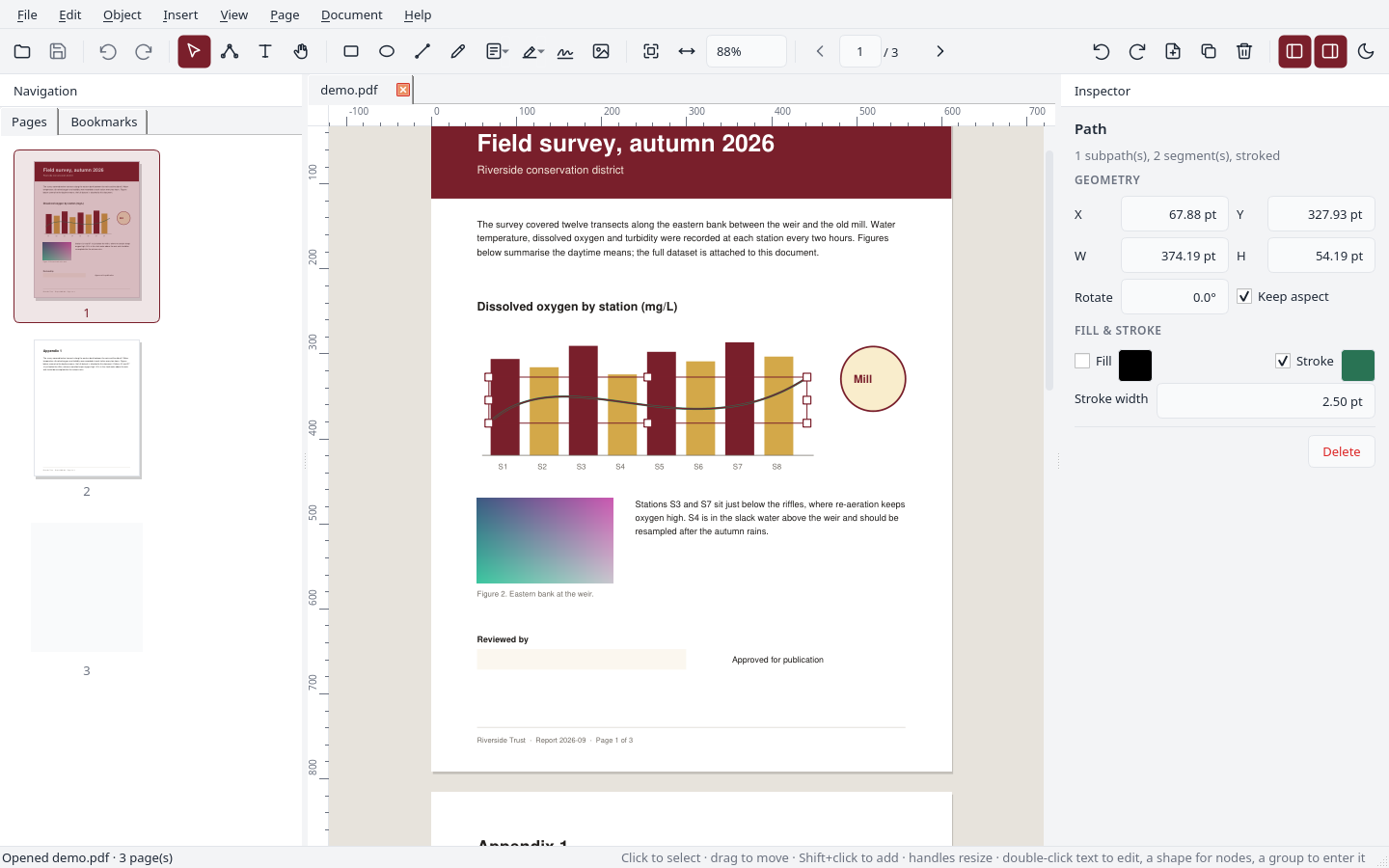
Quirewright edits the content of PDF pages as vector objects. Paths, text, images and form fields can be selected on the rendered page, then moved, reshaped, recoloured or retyped. It also manages pages, forms and comments. Only the bytes that produced the edited object are rewritten.
Version 0.1.0, pre-release. Please read the notice on the download page before using it.
What it does
The full checklist, including what is not implemented, is on the checklist page.
Object editing
Select paths, text runs, images and groups on the rendered page. Move, resize, rotate, recolour, reorder, align and distribute them, with undo for every change.
Nodes and new shapes
Edit the nodes and Bézier handles of existing shapes. Draw rectangles, ellipses, lines and curves, and insert images.
Text
Edit a line of text in place even when the PDF stores it as several runs, re-wrap paragraphs, and change size and colour. When a font lacks a glyph, a bundled font is substituted and the status bar says so.
Forms
Create text fields, checkboxes, radio buttons, lists and buttons; edit their properties; fill them in. Calculation, format and validation scripts in the Acrobat style are evaluated locally for preview.
Pages
Rotate, reorder by dragging thumbnails, duplicate, insert blank pages or pages from another file, extract, split, crop, label, number and watermark.
Document
Edit metadata, set or remove passwords and permissions, browse and extract images, fonts and attachments, attach files, export pages as PNG, JPEG or SVG, print, and save a reduced-size copy.
Comments, find, OCR
Highlight, underline, strike out and add notes. Search across pages. Add a text layer to scanned pages with Tesseract, if it is installed.
Interface
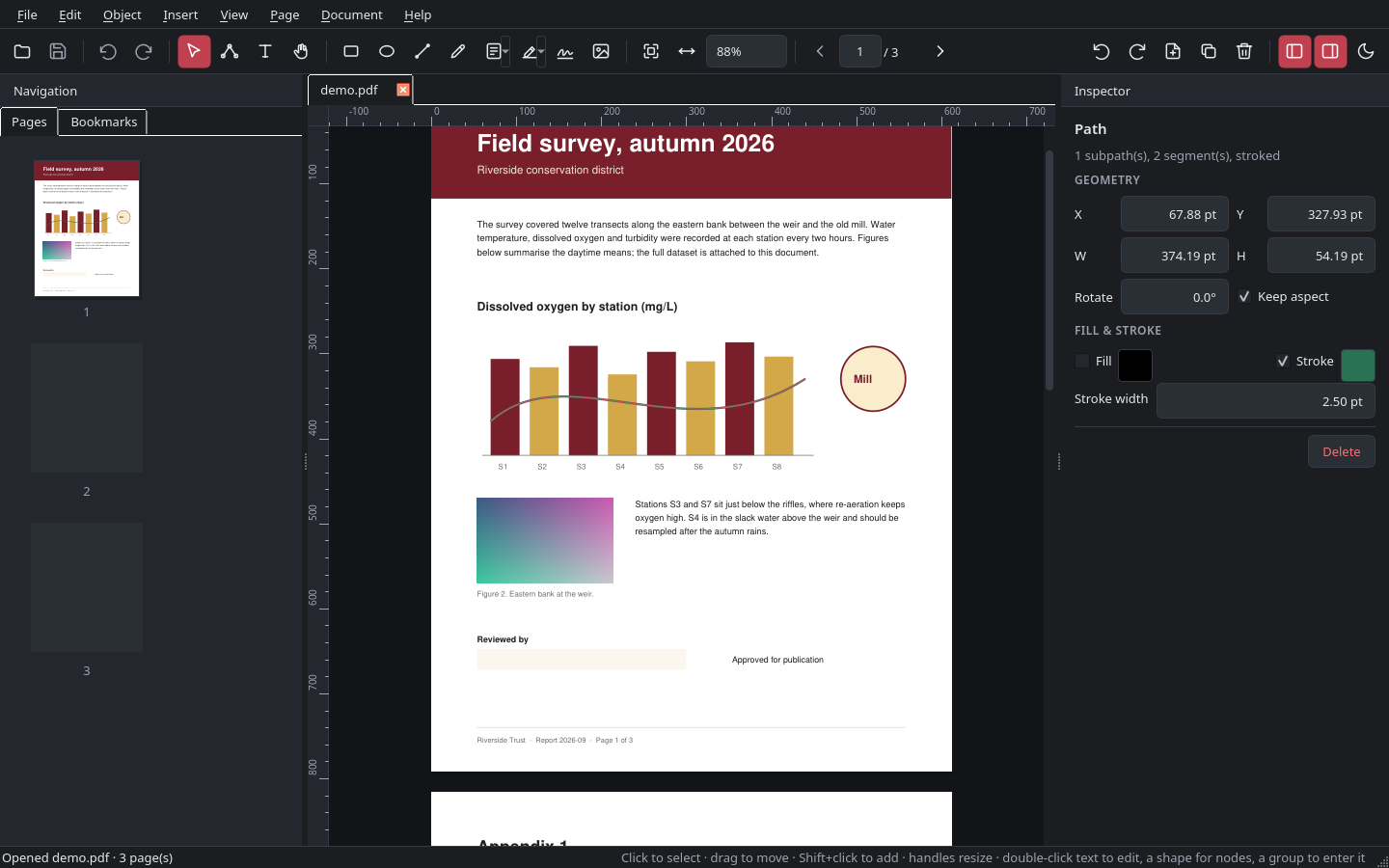
Light and dark themes following the desktop setting, document tabs, rulers, guides and snapping, keyboard shortcuts for every tool, and the user guide built in. English, German, French and Spanish.
Changes are written into the existing content stream
Quirewright parses a page's drawing instructions itself, tracks the graphics state, and replaces only the bytes that produced the object you changed. The page is not rasterised or regenerated, so untouched content stays as it was and should render the same in other viewers.
- Paths are rewritten in their own coordinate space, so transforms are exact
- Text blocks are regenerated with absolute positioning per run
- Groups are form XObjects and can be entered and edited, nested
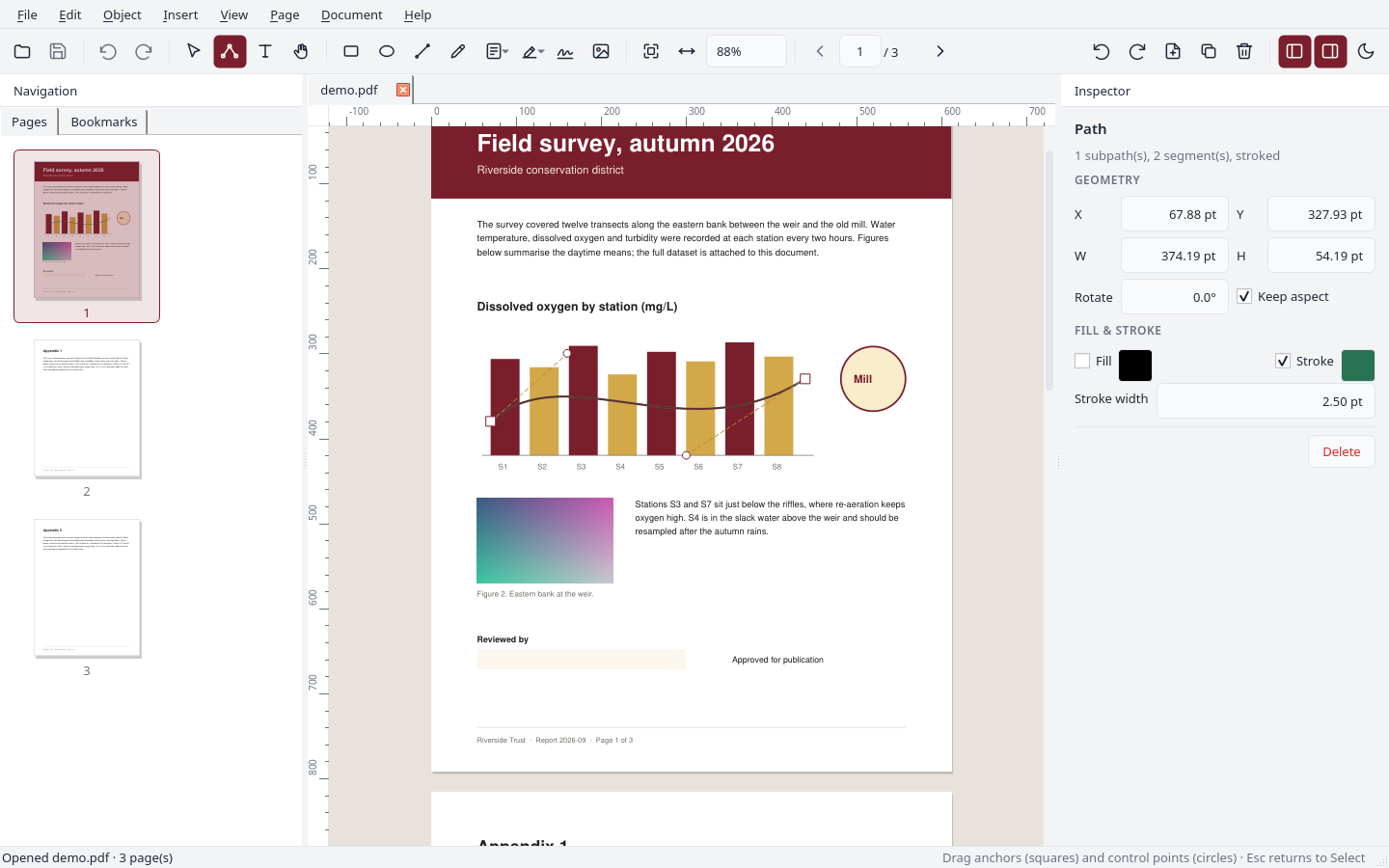
Field properties in the Inspector
Name, value, options, caption, font, colours, borders and flags are edited in the Inspector. Calculation, format and validation scripts use the AFSimple_Calculate family of functions and are evaluated locally so the result is visible while editing. Compatibility with other readers has only been checked by hand.
Built-in guide
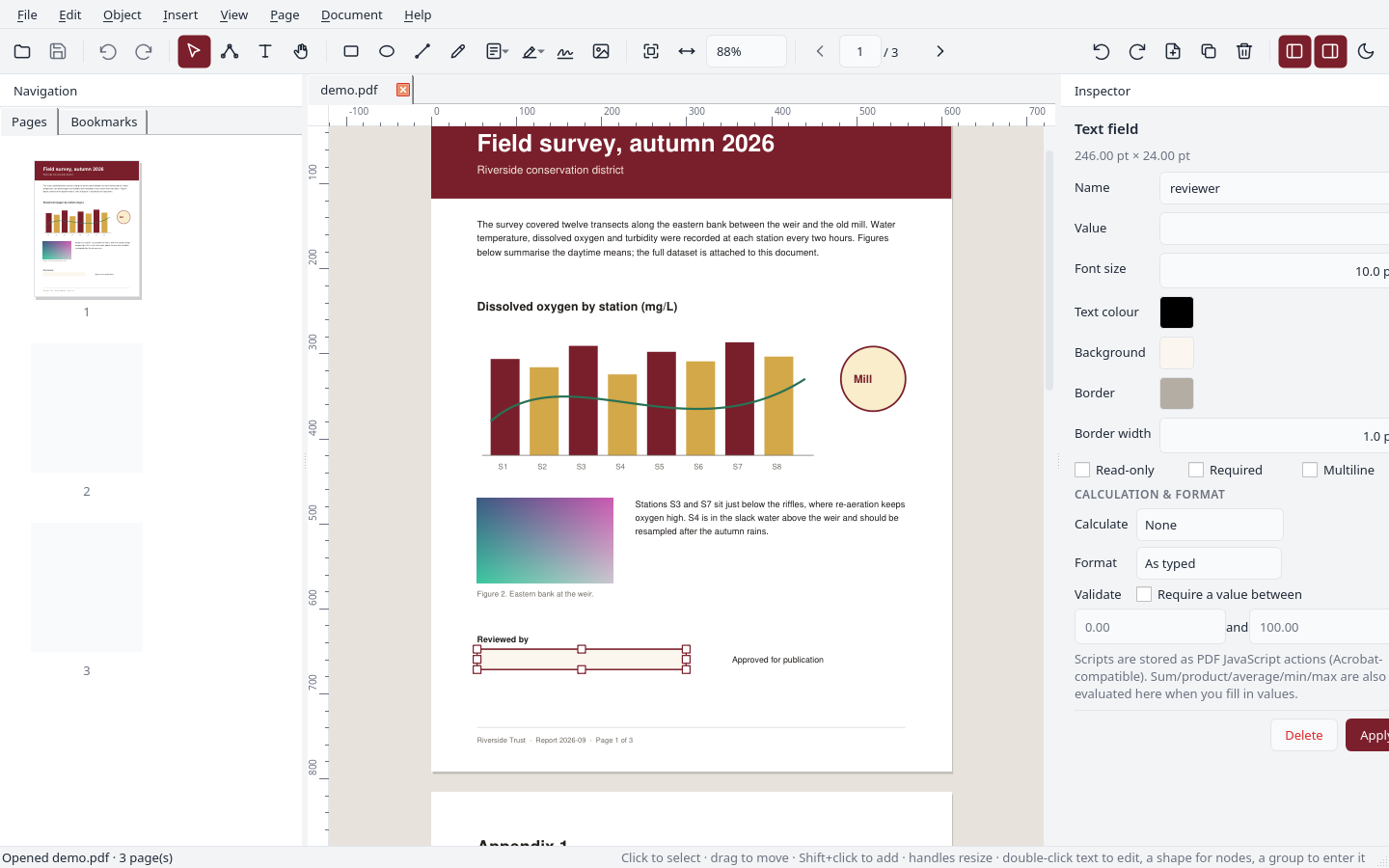
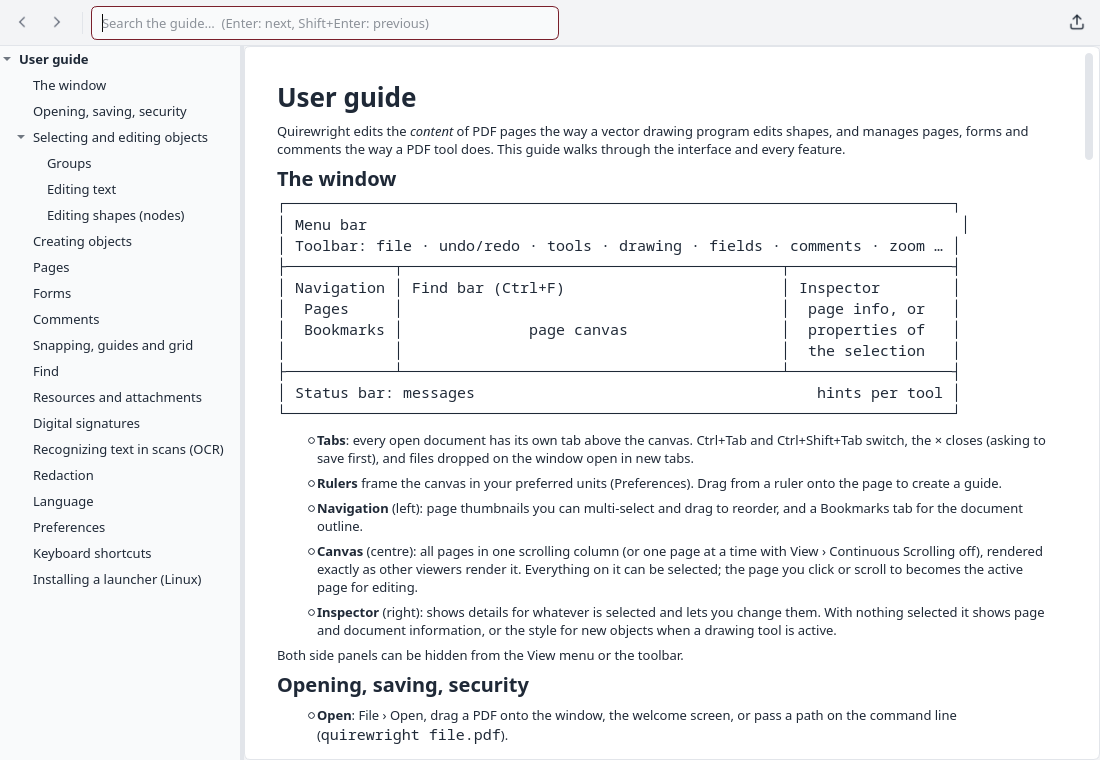
Press F1 for a help viewer with a contents tree and search. The same text is published here as the user guide.
Quire · wright
A quire is a gathering of folded sheets, the unit from which a bound book is assembled. A wright is a maker. The icon is three offset folded sheets with a bookbinder's awl.
AGPL-3.0, built on MuPDF and Qt
Quirewright is licensed under the GNU Affero General Public License, version 3 or later. It uses MuPDF through PyMuPDF and Qt for Python. It was developed almost entirely by AI with limited human review; see the notice, SECURITY.md and CONTRIBUTING.md. It is not affiliated with Adobe and uses none of its code or trademarks.